An idea to make your own
YouTube Thumbnail Maker: Clear Ideas & Prompts
Create a YouTube thumbnail around the one idea viewers should understand first. Start with the Stop Overplanning example, then replace its topic and headline with your own.
Start creating Explore the examples ↓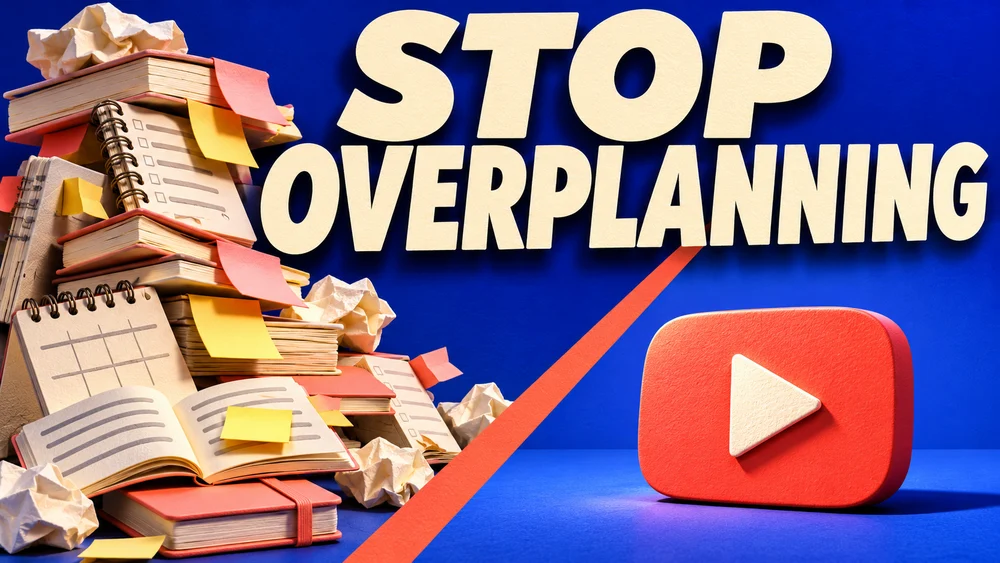
Bring the essentials
- Video topic
- Short headline
- Visual contrast
Choose a visual direction and adapt the description before generating. Turn on optional design refinement if you want help with composition, colors or layout. Keep your facts and exact wording in the brief.
Pair the headline with a visual idea
A short phrase works best when the picture adds meaning. Show a concrete contrast, object or expression instead of illustrating every talking point in the video. Keep the subject recognizable when the image is small.
Check the crop and output
Use a landscape composition for a regular video and keep critical words away from the edges. Review the actual download dimensions and file size against YouTube's current guidance before uploading.
See the idea take shape
Explore the image. Open the prompt. Change the details that make it yours.
Stop Overplanning YouTube thumbnail
Original AI-generated example.
See the exact prompt
Generate one finished original 16:9 YouTube thumbnail. Exact headline: 'STOP OVERPLANNING'. Thumbnail concept: on the left a huge chaotic tower of cream notebooks, sticky notes and abandoned schedules, on the right one clean bright coral-red play-button shape resting on an uncluttered blue surface. A striking diagonal composition separates indecision from publishing. Bold large cream headline occupies upper half, extremely readable on a phone. Tactile editorial 3D paper sculpture, electric cobalt background, warm coral accent, directional studio lighting, rich shadows, strong silhouette. No person required. All incidental notebook pages are blank or abstract unreadable lines, never new text. Only the headline is readable. No performance numbers, invented before-after metrics, brand logos, actual app UI, watermarks, borders or mockup. Fill the entire frame with the finished thumbnail.
A few useful answers
Can I specify the headline exactly?
Yes. Put the required words in your brief and check the generated spelling and layout before publishing.
Will this improve my click-through rate?
The design gives you a candidate to test. Click-through performance depends on the topic, audience, title and competing videos; the image alone does not establish an improvement.
Keep exploring
All ideas ↗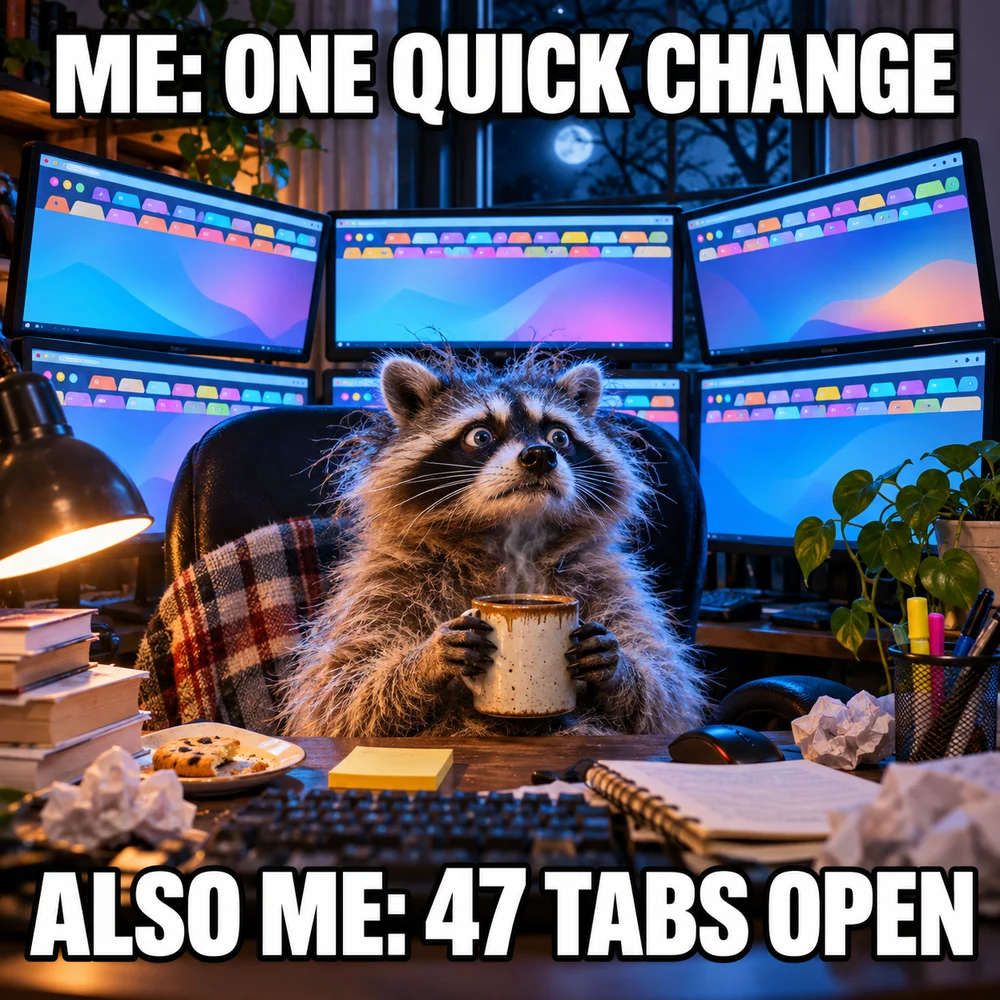
AI Image Generator for Photos, Memes & Design
AI images for an idea worth making.
YouTube Thumbnail Size: Shape, Pixels and Upload Limits
YouTube Thumbnail Size & Readability Guide
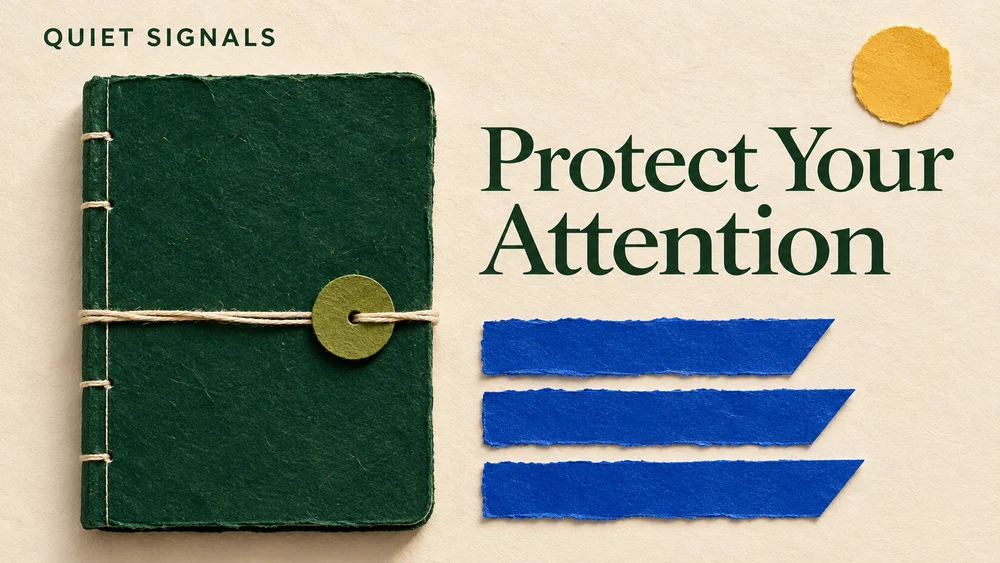
Newsletter Headers & Blog Cover Image Prompts
Set the tone before the first paragraph.
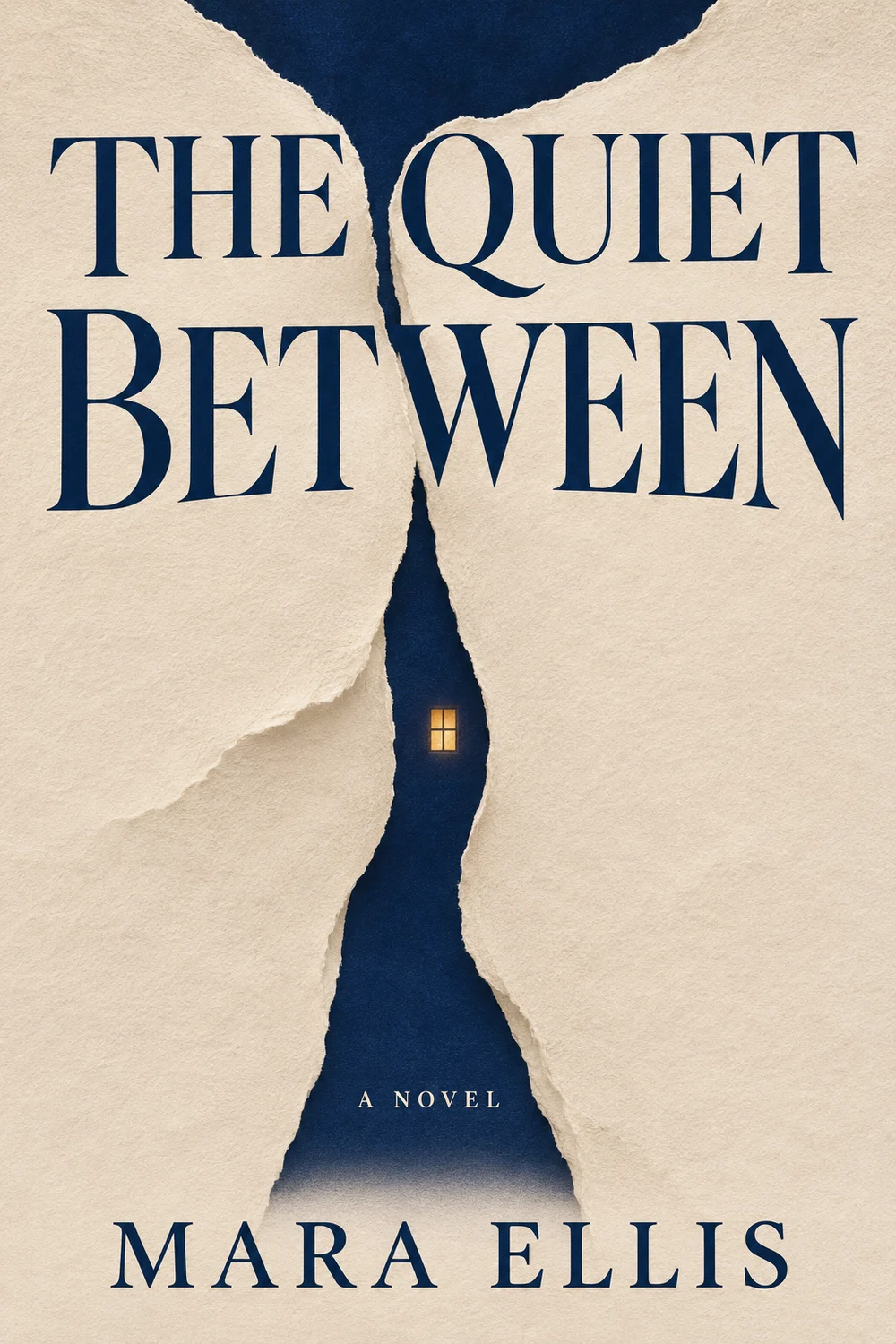
AI Book Cover Maker: Front Cover Ideas & Prompts
Give a story a memorable first impression.