A practical guide
YouTube Thumbnail Size: Shape, Pixels and Upload Limits
A thumbnail has three separate requirements: the right shape, enough pixels and a file the upload tool accepts. Check all three before publishing; choosing 16:9 alone does not establish the output size.
Explore the examples ↓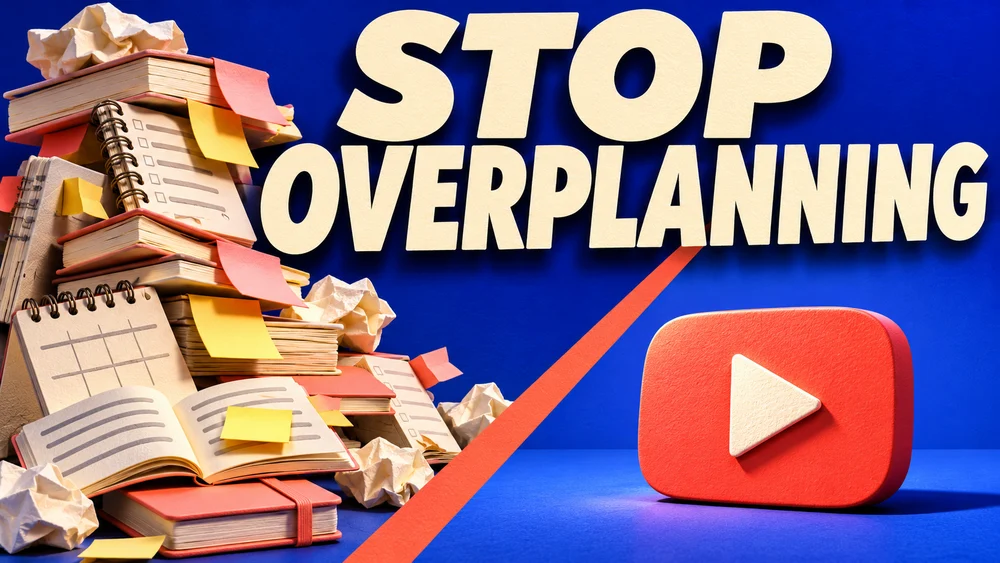
Current YouTube guidance
YouTube currently recommends 3840 × 2160 pixels for video thumbnails and 2160 × 3840 for Shorts. Regular video thumbnails use 16:9; Shorts use 9:16. Podcast playlists use a square image. The official minimum is 640 pixels wide for video thumbnails and 640 pixels high for Shorts.
Source: YouTube Help · checked November 6, 2026
The upload device changes the file limit
The current help page lists 2 MB for video thumbnails uploaded on mobile, or 10 MB for podcasts. It lists 50 MB for desktop uploads of video, Shorts and podcast thumbnails. JPG and PNG are supported examples. Check the live help page when preparing an upload because platform specifications can change.
Source: YouTube Help · checked November 6, 2026
Use the canvas to support one idea
Decide what should be understood in a small preview. Put the primary subject and headline inside generous margins, choose enough contrast and avoid placing a key word across a face. Test the thumbnail at a small display size before judging fine detail.
Check the actual exported file
The BriefPic showcase illustrates a composition, rather than guaranteeing a platform-ready export. Read the pixel dimensions and file size of your chosen download. An export available in your plan may be smaller than the platform's recommended dimensions; use the appropriate output option and verify the result.
See the idea take shape
Explore the image. Open the prompt. Change the details that make it yours.
Stop Overplanning YouTube thumbnail
Original AI-generated example.
See the exact prompt
Generate one finished original 16:9 YouTube thumbnail. Exact headline: 'STOP OVERPLANNING'. Thumbnail concept: on the left a huge chaotic tower of cream notebooks, sticky notes and abandoned schedules, on the right one clean bright coral-red play-button shape resting on an uncluttered blue surface. A striking diagonal composition separates indecision from publishing. Bold large cream headline occupies upper half, extremely readable on a phone. Tactile editorial 3D paper sculpture, electric cobalt background, warm coral accent, directional studio lighting, rich shadows, strong silhouette. No person required. All incidental notebook pages are blank or abstract unreadable lines, never new text. Only the headline is readable. No performance numbers, invented before-after metrics, brand logos, actual app UI, watermarks, borders or mockup. Fill the entire frame with the finished thumbnail.
A few useful answers
Is 16:9 the same as 3840 × 2160?
No. Aspect ratio describes shape; many pixel dimensions share that shape.
Do Shorts use the same crop?
The current YouTube guidance recommends 9:16 for Shorts. Check the official page for the exact upload workflow.
Keep exploring
All ideas ↗YouTube Thumbnail Maker: Clear Ideas & Prompts
Give your video one clear visual promise.
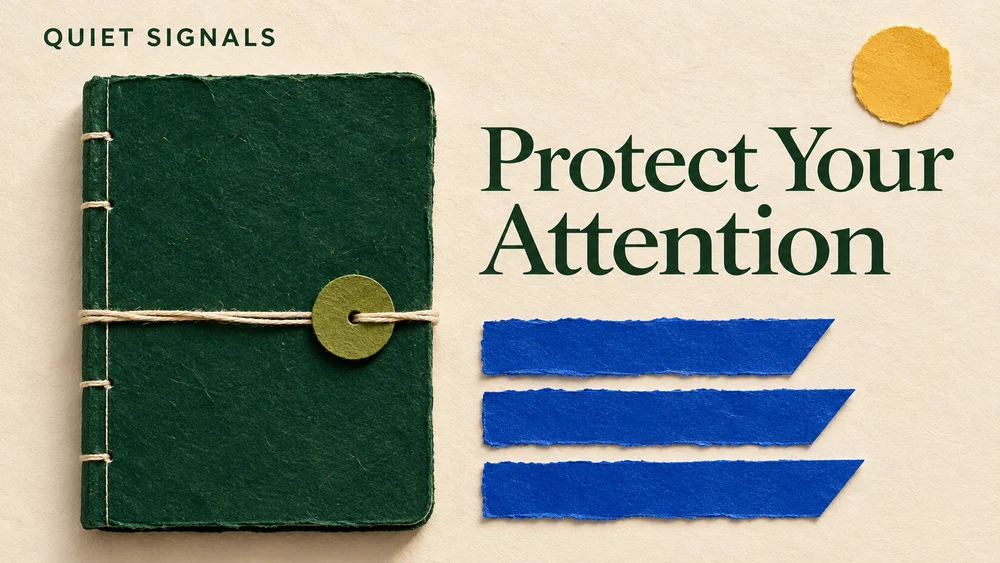
Blog Cover Image Size: Start with Your Actual Layout
Blog & Newsletter Cover Images: Size and Cropping
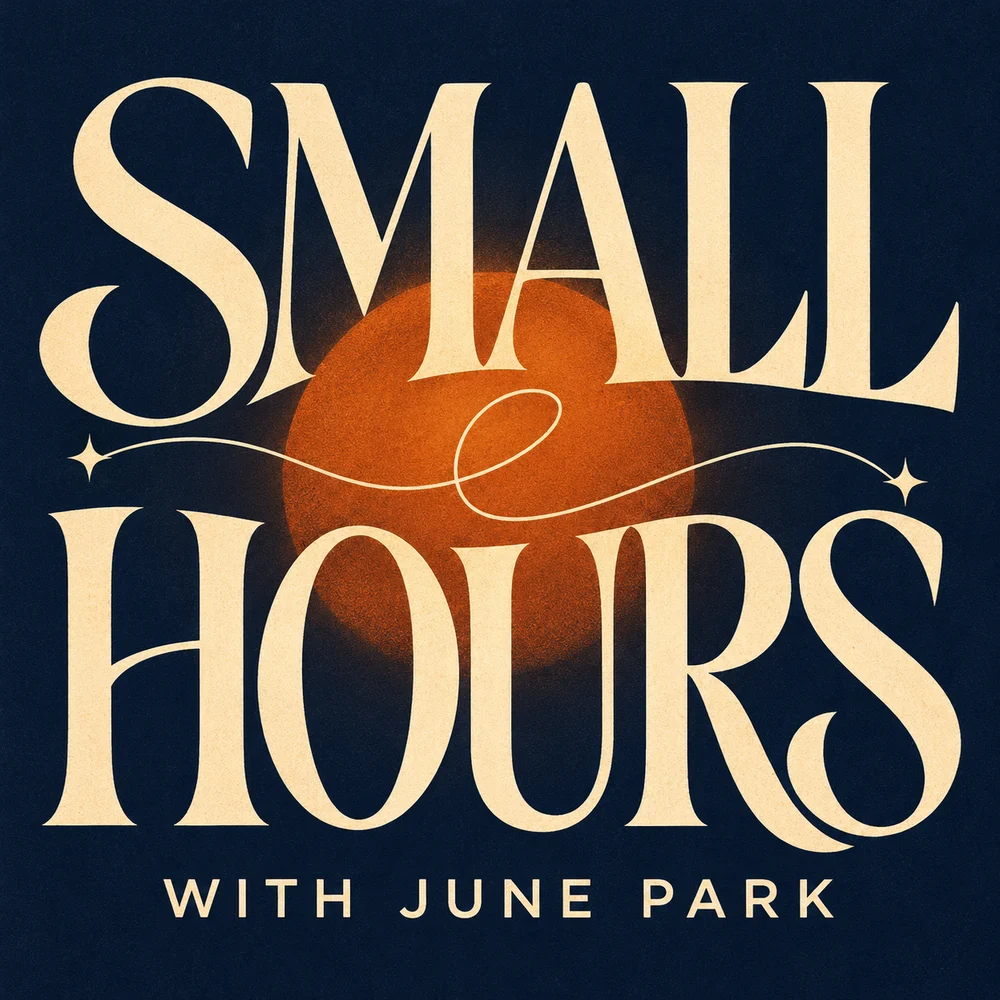
Podcast Cover Art Size: A Practical Apple Podcasts Checklist
Podcast Cover Art Size: Requirements & Checks
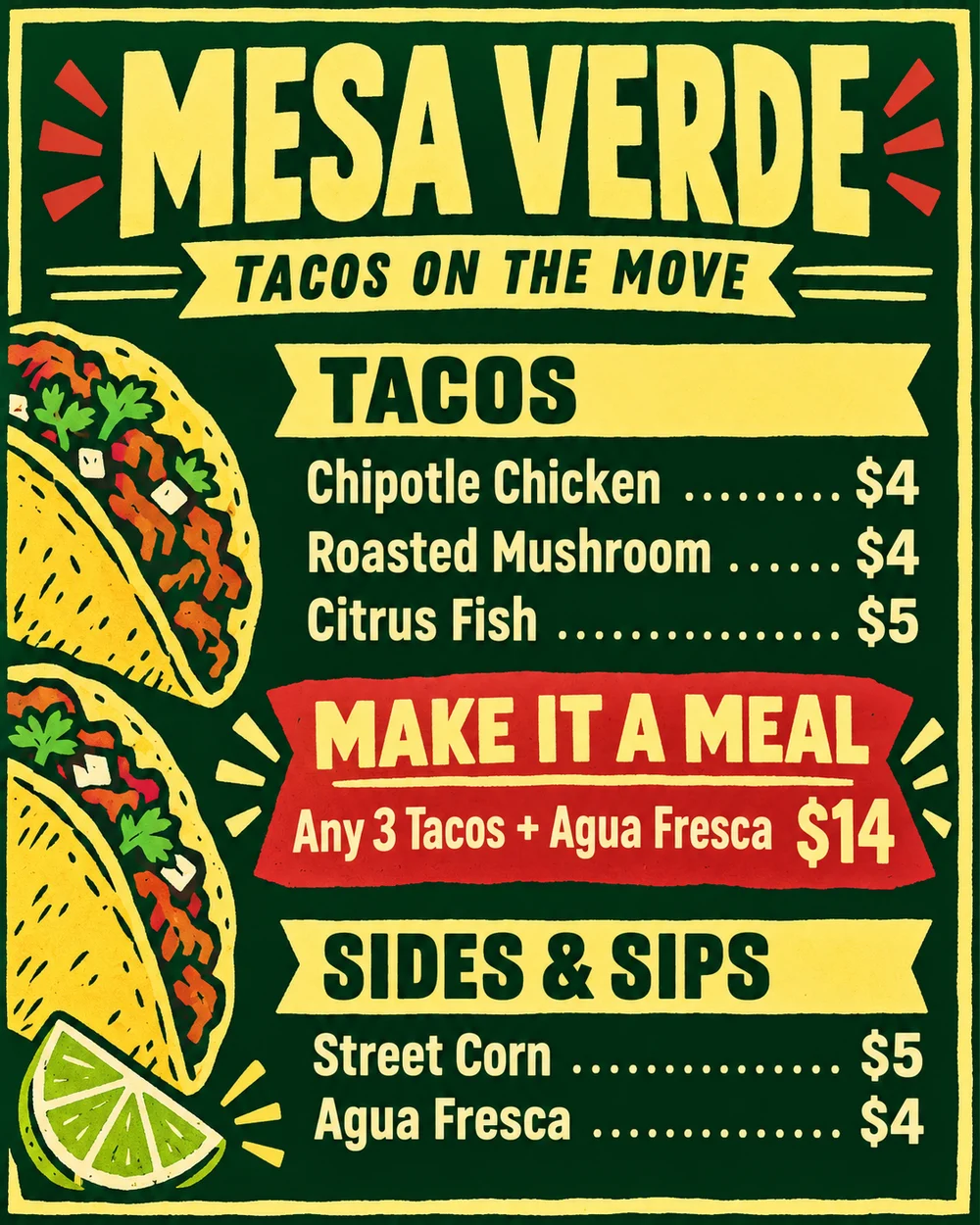
Food Truck Menu Ideas That Help People Order
Food Truck Menu Ideas: A Clear, Readable Board