An idea to make your own
Newsletter Headers & Blog Cover Image Prompts
Create a newsletter header around the issue's central idea. Quiet Signals uses a notebook, paper tabs and a quiet palette to support an article about attention.
Start creating Explore the examples ↓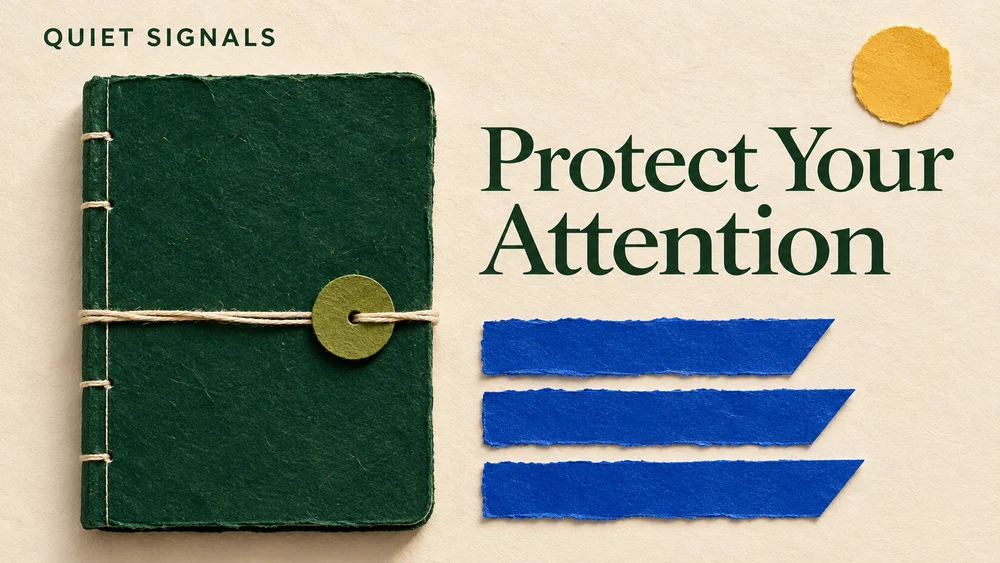
Bring the essentials
- Publication
- Issue theme
- Headline
Choose a visual direction and adapt the description before generating. Turn on optional design refinement if you want help with composition, colors or layout. Keep your facts and exact wording in the brief.
Give each issue a focal point
Use one subject or visual relationship that belongs to the story. Keep the publication identity consistent while changing the issue theme. The header should invite reading without repeating the whole article.
Plan for email and web crops
A wide header may appear differently in an inbox, a web archive and a social preview. Keep essential text near the center and check the actual placement in your publishing template.
See the idea take shape
Explore the image. Open the prompt. Change the details that make it yours.
Quiet Signals newsletter header
Original AI-generated example.
See the exact prompt
Create a finished 16:9 landscape editorial newsletter header for the fictional publication QUIET SIGNALS. A bold, intelligent handmade paper composition about protecting attention: a large dark emerald notebook occupies the left center, while the right side has three crisp cobalt paper tabs and a small circle of warm sunlight. The design is graphic and tactile, viewed directly from above, calm cream background with plenty of negative space. Elegant dark green serif headline in two lines, exact wording 'Protect Your Attention'. Small publication name 'QUIET SIGNALS' in a restrained sans serif at top left. One clear visual idea, controlled olive, cream and cobalt palette. Beautiful independent magazine design with genuinely readable typography. No other words, no dates, no gradients, no logos, no watermark, no border, no mockup around the final artwork.
A few useful answers
Can I use the same design every week?
Reuse the visual direction and change the issue title and central motif. Review each output for consistency.
What image size should I use?
Start with the space in your actual email or blog template. There is no single dimension that fits every publishing layout.
Keep exploring
All ideas ↗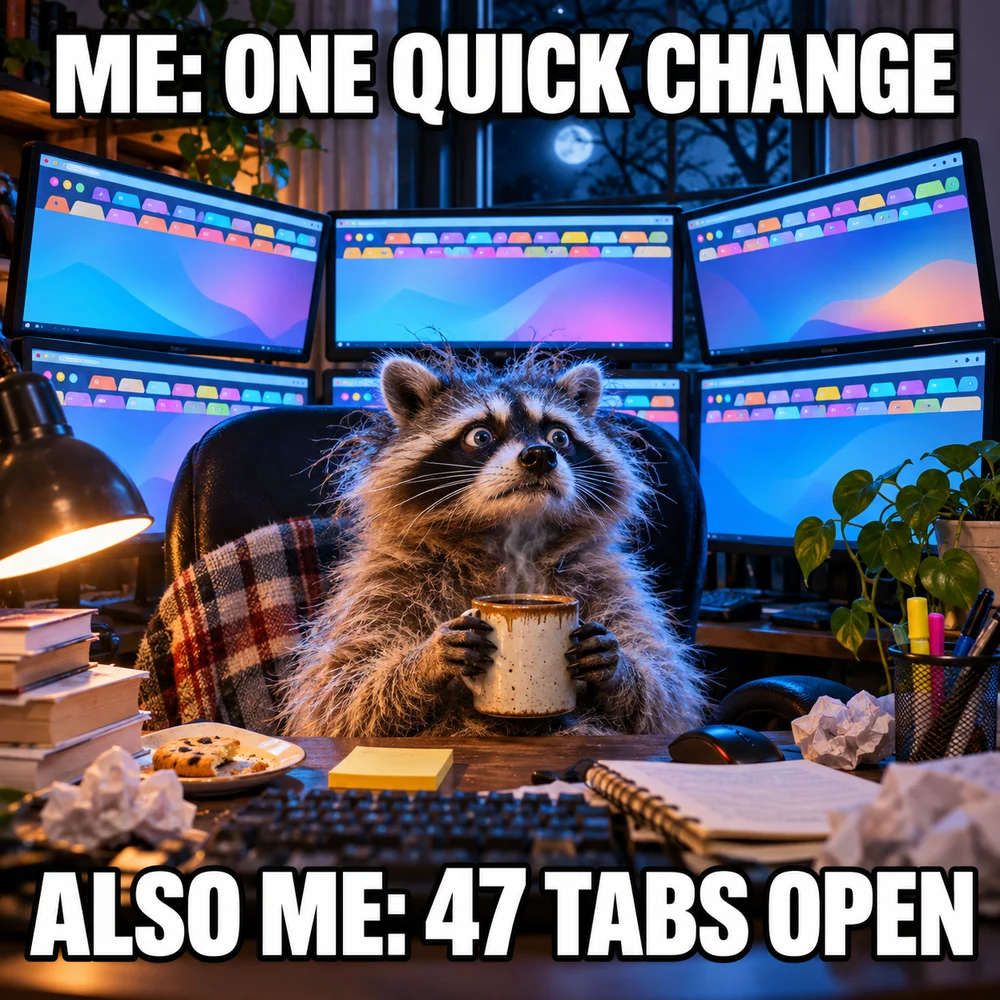
AI Image Generator for Photos, Memes & Design
AI images for an idea worth making.
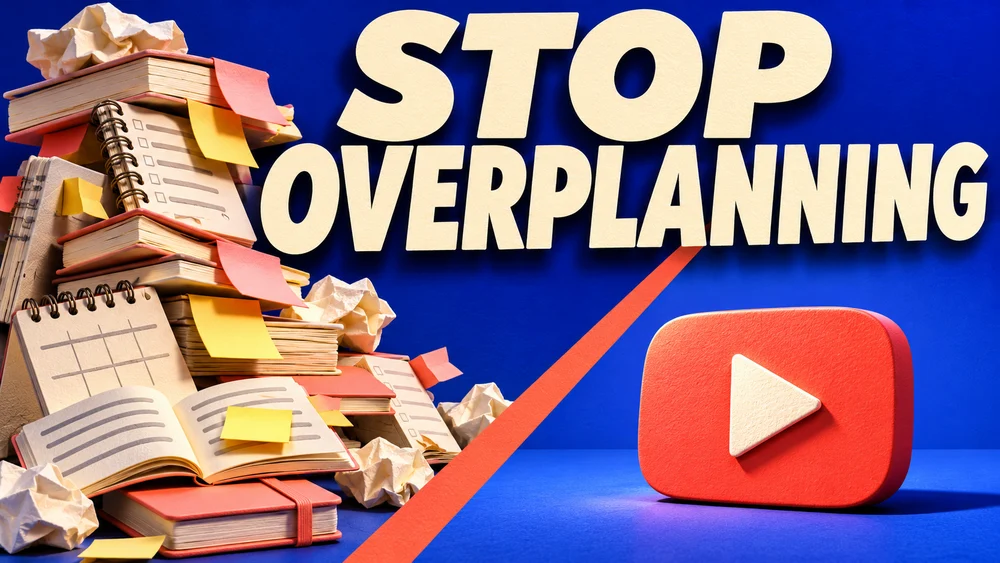
YouTube Thumbnail Maker: Clear Ideas & Prompts
Give your video one clear visual promise.
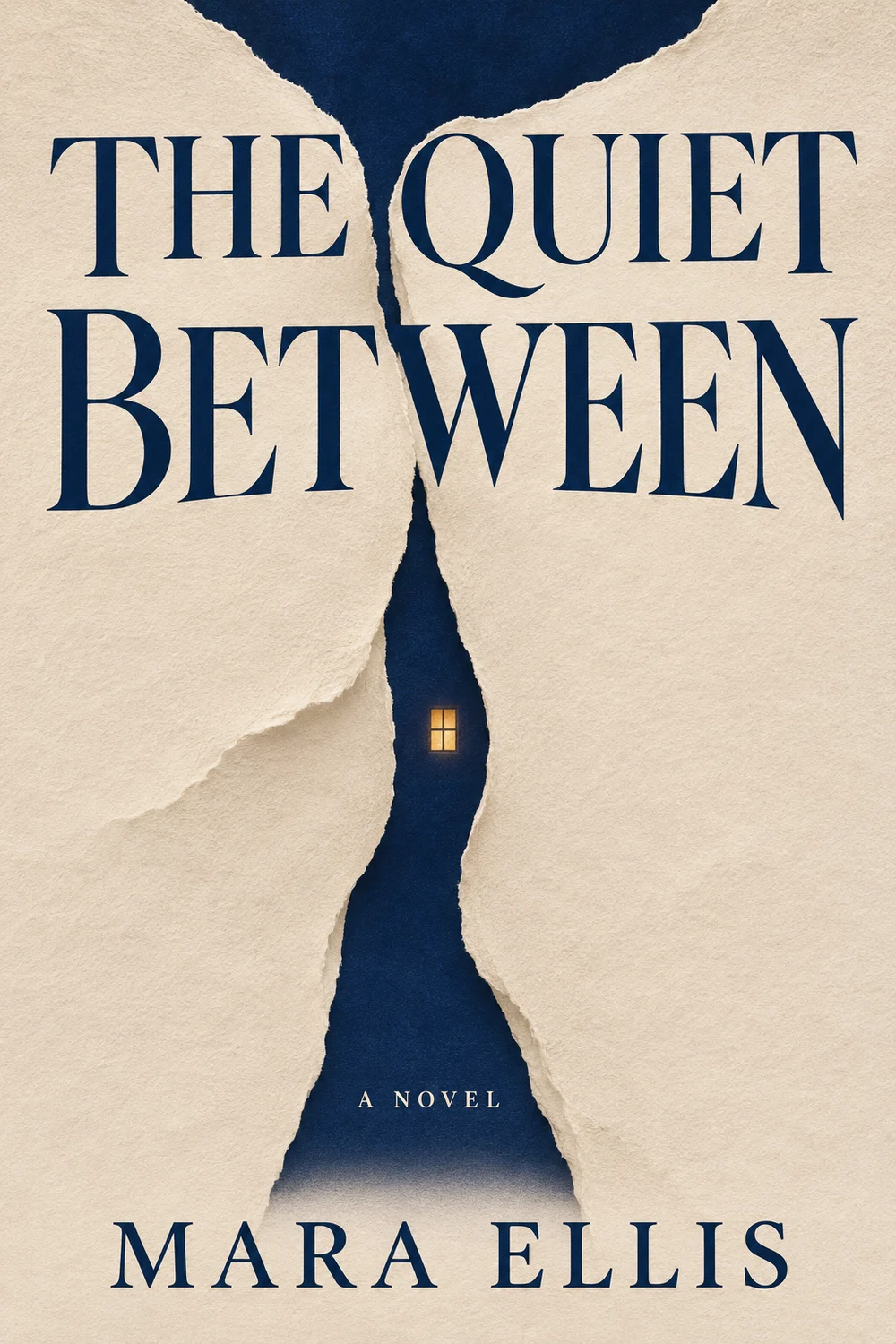
AI Book Cover Maker: Front Cover Ideas & Prompts
Give a story a memorable first impression.
AI Album Cover Maker: Original Artwork & Prompts
Turn a sound into a single image.