An idea to make your own
Stream Schedule Design: Examples & Prompts
Create a stream schedule with a readable list of days, times and activities. Nova's weekly card uses a simple three-row structure.
Start creating Explore the examples ↓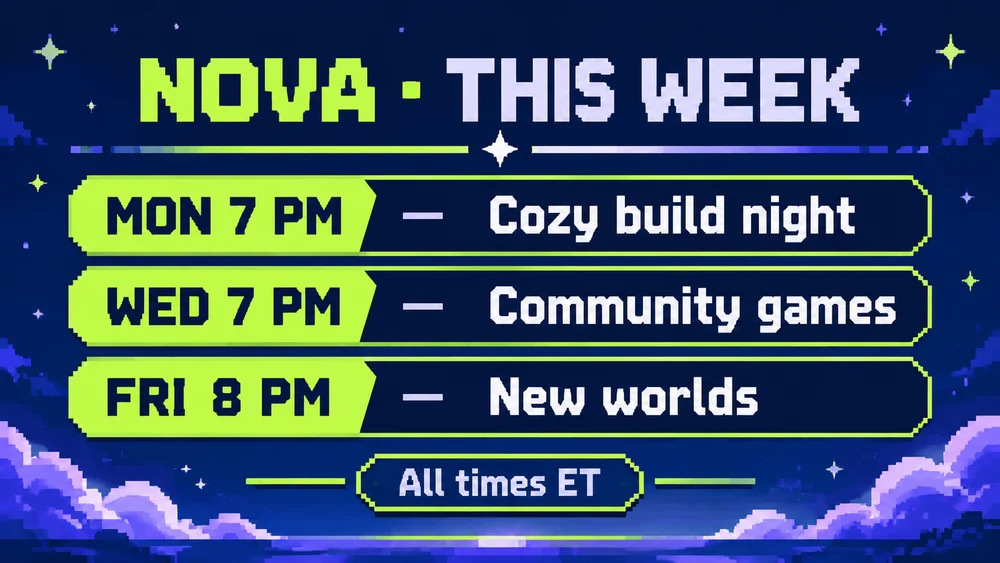
Bring the essentials
- Channel
- Days and times
- Activities and timezone
Choose a visual direction and adapt the description before generating. Turn on optional design refinement if you want help with composition, colors or layout. Keep your facts and exact wording in the brief.
Treat the time zone as essential
Supply the time zone along with every start time. A repeated layout helps people scan the schedule, while a short activity title explains what is different about each stream.
Keep the channel identity consistent
Use the same palette and type direction each week. Update all rows together so an old date or activity is not left in the new card.
See the idea take shape
Explore the image. Open the prompt. Change the details that make it yours.
Nova next week stream schedule
Original AI-generated example.
See the exact prompt
Make one original finished flat artwork, not a mockup. Use only the exact supplied text; do not invent prices, dates, contact details, claims or logos. All text must be readable. No watermark or AI label. Design a finished landscape streaming schedule card: deep navy with electric lime and soft lavender accents, crisp legible typographic grid and small abstract pixel stars. Exact text: 'NOVA · THIS WEEK', 'MON 7 PM — Cozy build night', 'WED 7 PM — Community games', 'FRI 8 PM — New worlds', 'All times ET'. Three rows of equal prominence. No game logos, sponsor marks or extra dates.
A few useful answers
Can I include a different time on Friday?
Yes. Provide the exact time for each row instead of assuming every day is the same.
Can this automatically update my channel calendar?
The output is an image. Publish it yourself and maintain the actual channel schedule separately.
Keep exploring
All ideas ↗
AI Image Generator for Photos, Memes & Design
AI images for an idea worth making.
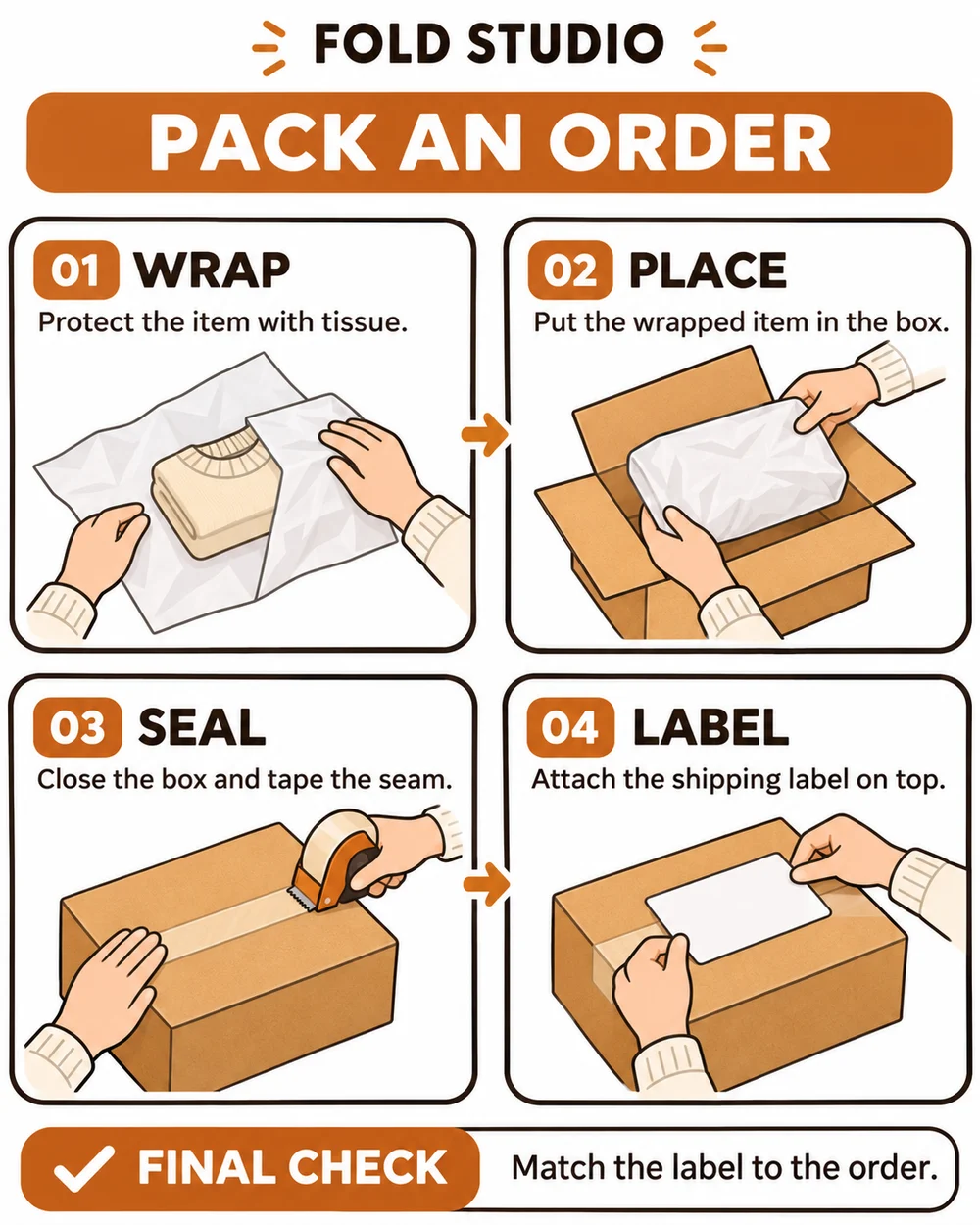
Visual Instruction Guides: Steps & AI Prompts
Turn a short procedure into a visual guide.
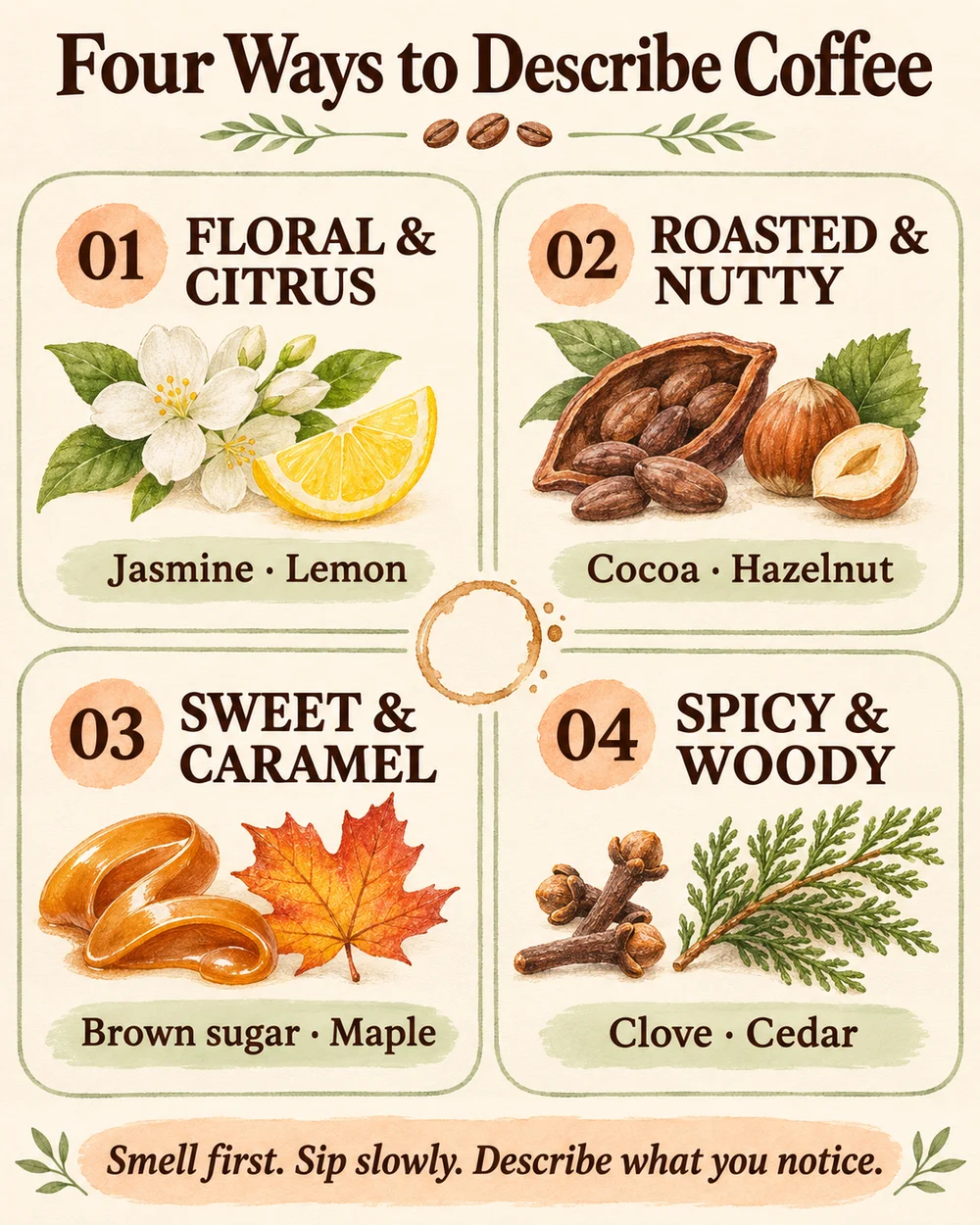
Product & LinkedIn Infographics: AI Design Prompts
Make a small set of facts easy to follow.
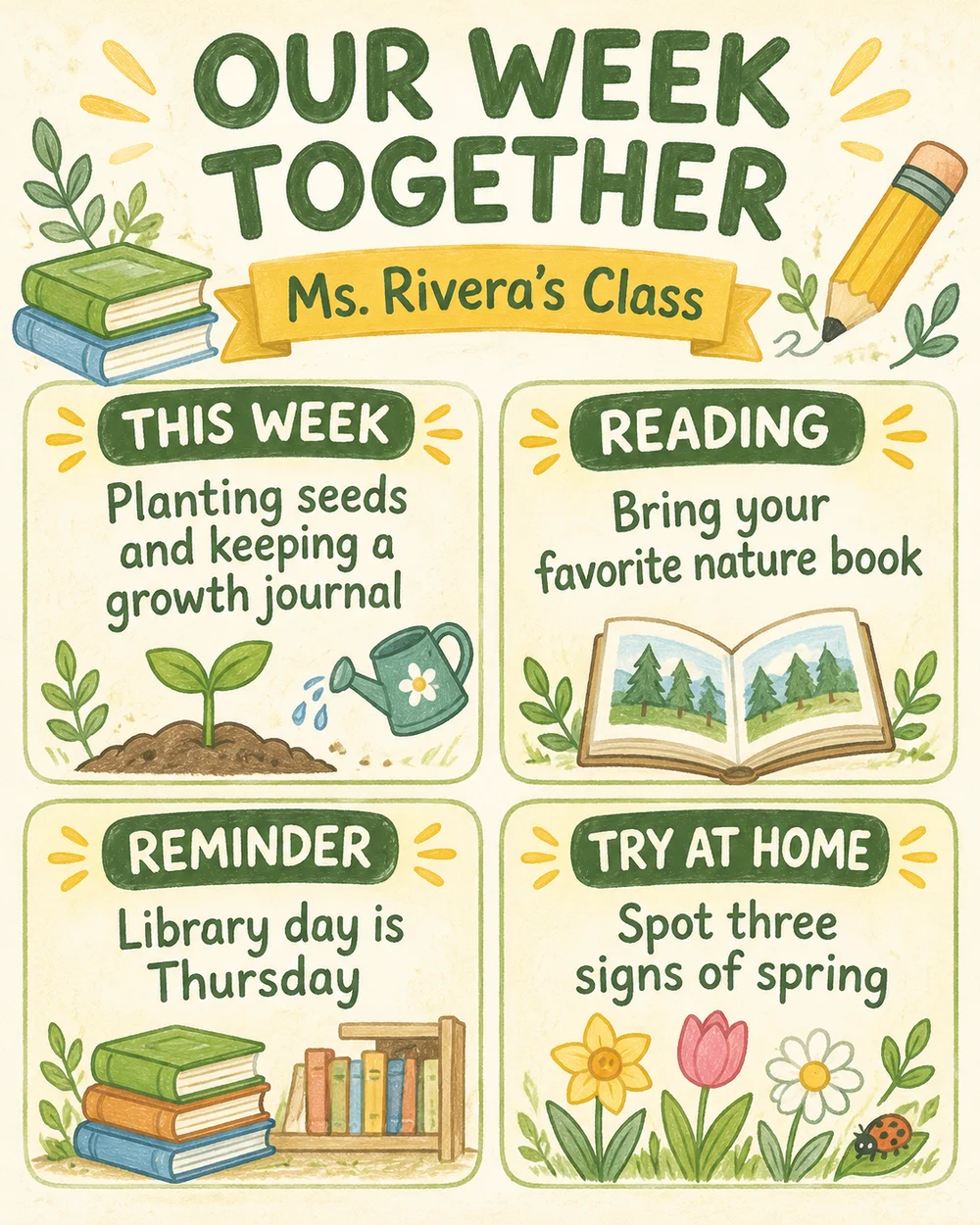
Classroom Newsletter Design: Examples & Prompts
Give families the week's useful highlights.