An idea to make your own
Social Banner Ideas & AI Design Prompts
Create a social banner with a clear name, a concise tagline and room for platform crops. Weekend Outside uses a centered identity and illustrated scenery.
Start creating Explore the examples ↓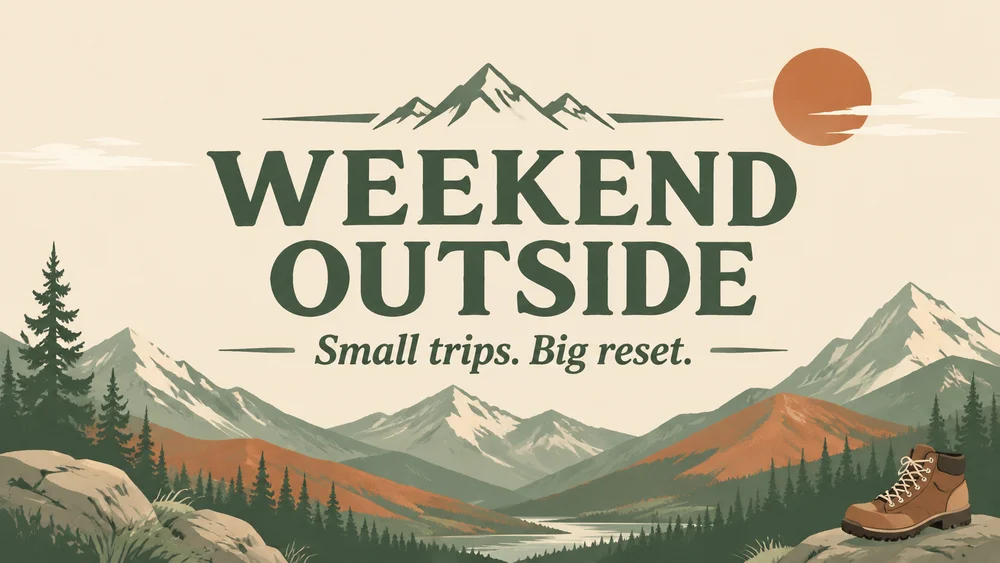
Bring the essentials
- Account name
- Tagline
- Platform
Choose a visual direction and adapt the description before generating. Turn on optional design refinement if you want help with composition, colors or layout. Keep your facts and exact wording in the brief.
Keep the important content in the middle
Different profiles crop a wide image differently. Keep the name and essential subject inside a generous central area, and test the actual upload on the platform you use.
Let the banner support the account
Choose a motif that belongs to the channel rather than a collage of every interest. Reuse the same palette across related graphics without adding follower counts or claims you have not supplied.
See the idea take shape
Explore the image. Open the prompt. Change the details that make it yours.
Weekend Outside channel banner
Original AI-generated example.
See the exact prompt
Make one original finished flat artwork, not a mockup. Use only the exact supplied text; do not invent prices, dates, contact details, claims or logos. All text must be readable. No watermark or AI label. A clean landscape social banner for an outdoor journal, sophisticated illustrated mountain shapes in sage, terracotta and cream, small hiking boot in lower corner, main headline in the center with wide empty side margins for cropping. Exact text: 'WEEKEND OUTSIDE' and 'Small trips. Big reset.' No platform logos or follower numbers.
A few useful answers
Can I use one banner on every platform?
You can reuse the design idea, but review each platform's crop and required dimensions.
Can I include a logo?
Use a logo you can supply and check whether the generated result preserves it accurately.
Keep exploring
All ideas ↗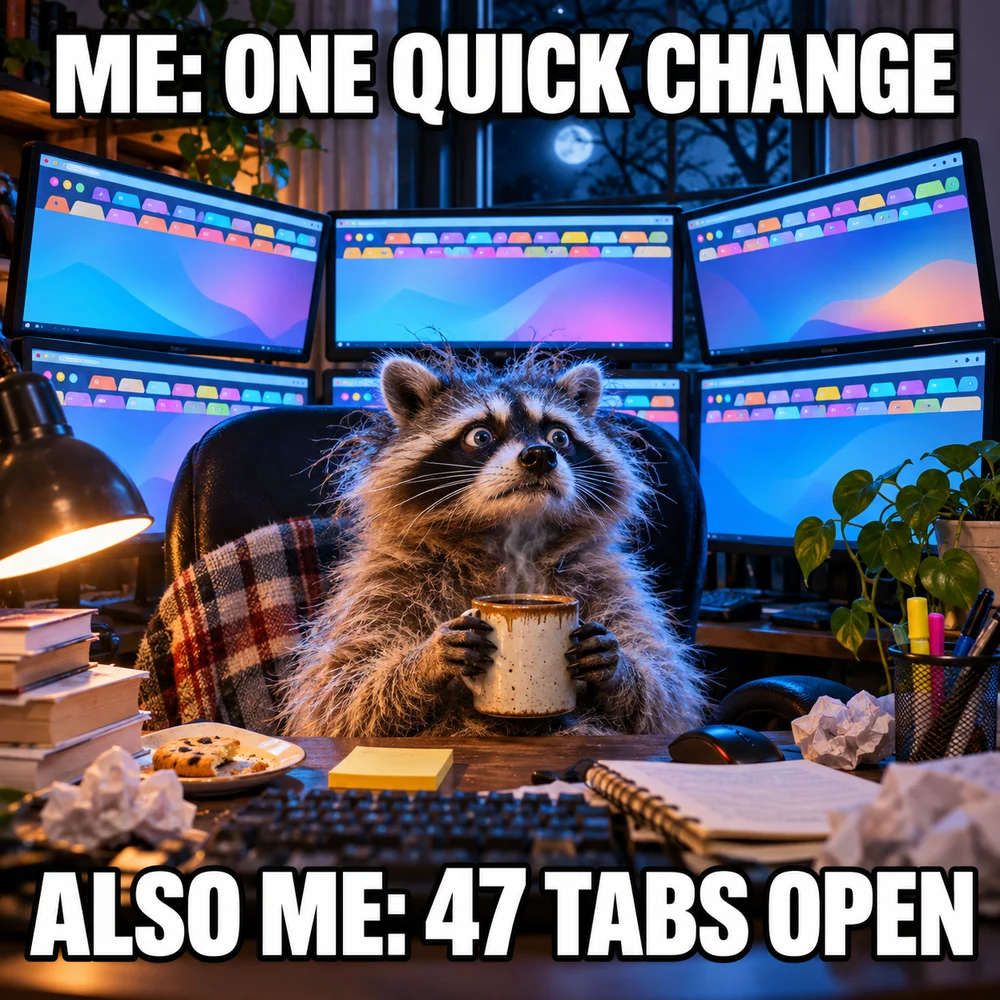
AI Image Generator for Photos, Memes & Design
AI images for an idea worth making.
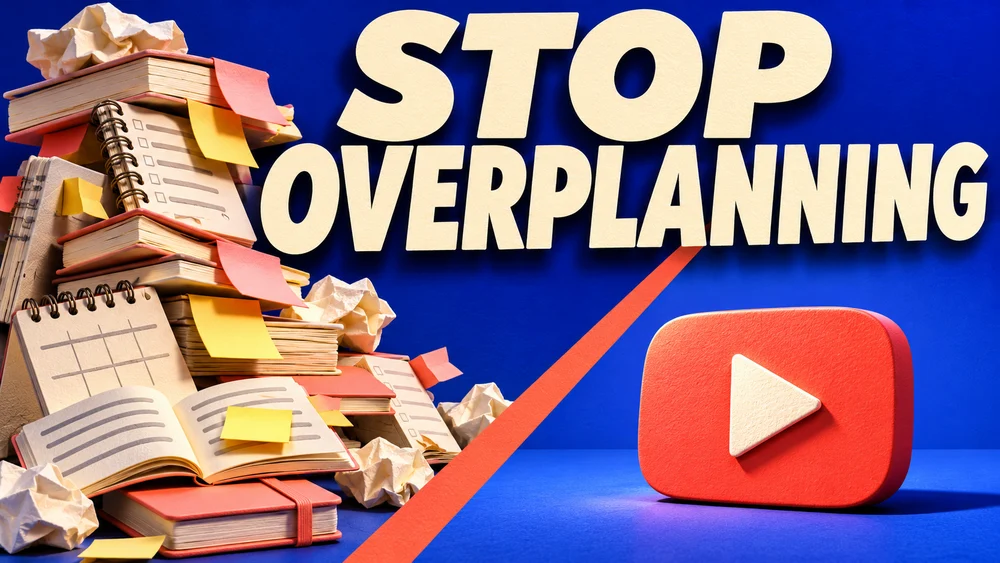
YouTube Thumbnail Maker: Clear Ideas & Prompts
Give your video one clear visual promise.
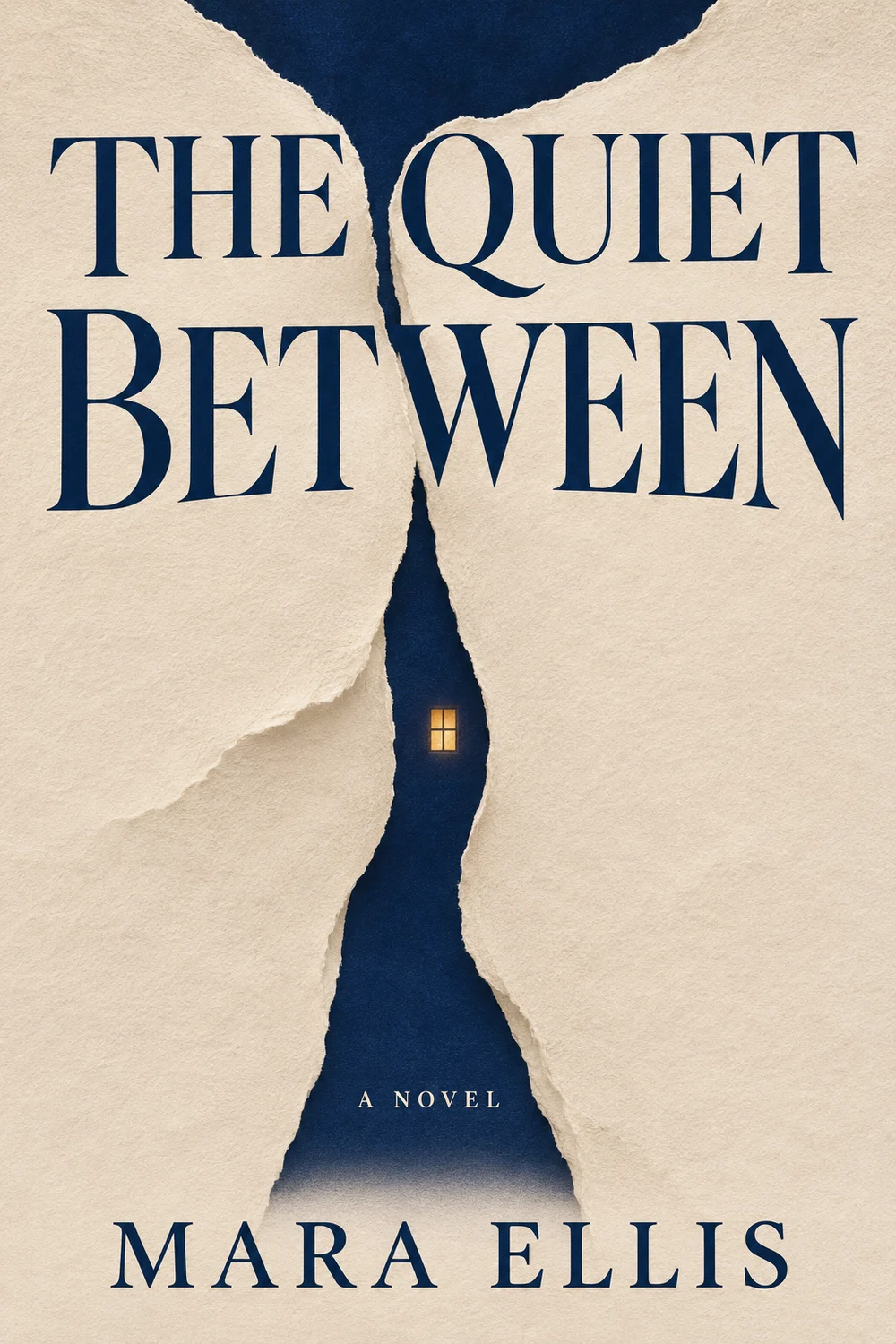
AI Book Cover Maker: Front Cover Ideas & Prompts
Give a story a memorable first impression.
AI Album Cover Maker: Original Artwork & Prompts
Turn a sound into a single image.