An idea to make your own
AI GIF Generator: Text Prompts & Examples
Turn a scene and a simple movement into a looping animation. Describe what should move and the exact words you want to appear.
Start creating Explore the examples ↓
Bring the essentials
- Occasion
- Exact message
- Motion and visual direction
Choose a visual direction and adapt the description before generating. Turn on optional design refinement if you want help with composition, colors or layout. Keep your facts and exact wording in the brief.
Describe motion as well as appearance
A picture description tells the model what to draw. An animation brief also tells it what changes over time: a wave, a shimmer or a little movement around the subject.
Keep the lettering easy to follow
Short greetings leave more room for legible text. Play the whole result to check that the lettering remains readable as the image moves.
Know what a new version changes
GIF revisions regenerate the complete scene. The composition or motion may change along with the words; this is not a frame-preserving text editor.
See the idea take shape
Explore the image. Open the prompt. Change the details that make it yours.
Play the GIF
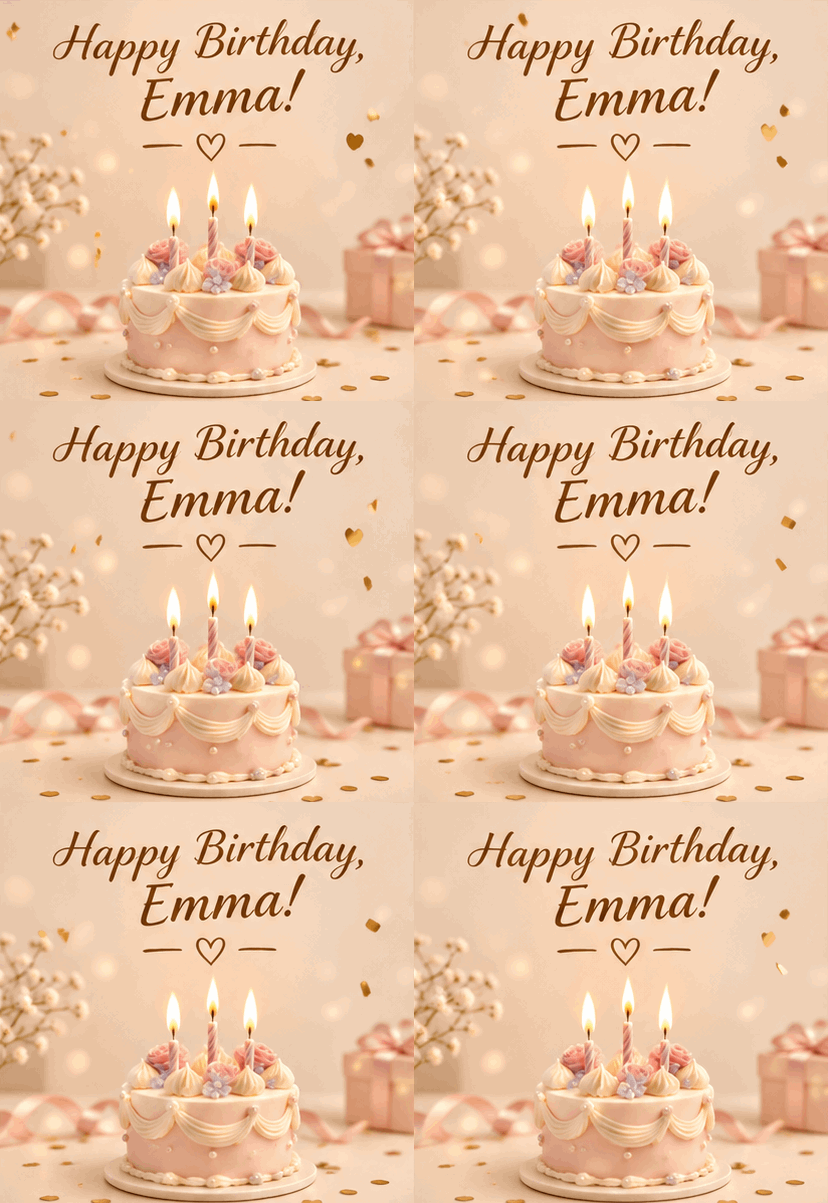
A birthday greeting with a name
An existing animated sample from the application.
A few useful answers
Do the GIFs have sound?
No. These are silent GIF animations.
Can I pick an exact resolution or frame rate?
The generated GIF's native dimensions and frame timing can vary. Inspect the actual result before using it in a placement with strict specifications.